How to show answers in engineering notation
Engineering notation writes a number with a power of ten that’s a multiple of three, matching prefixes like kilo, milli and micro. In Sumi, tap ENG, the second function of ×10ˣ, after any result.
Switch a result to engineering notation
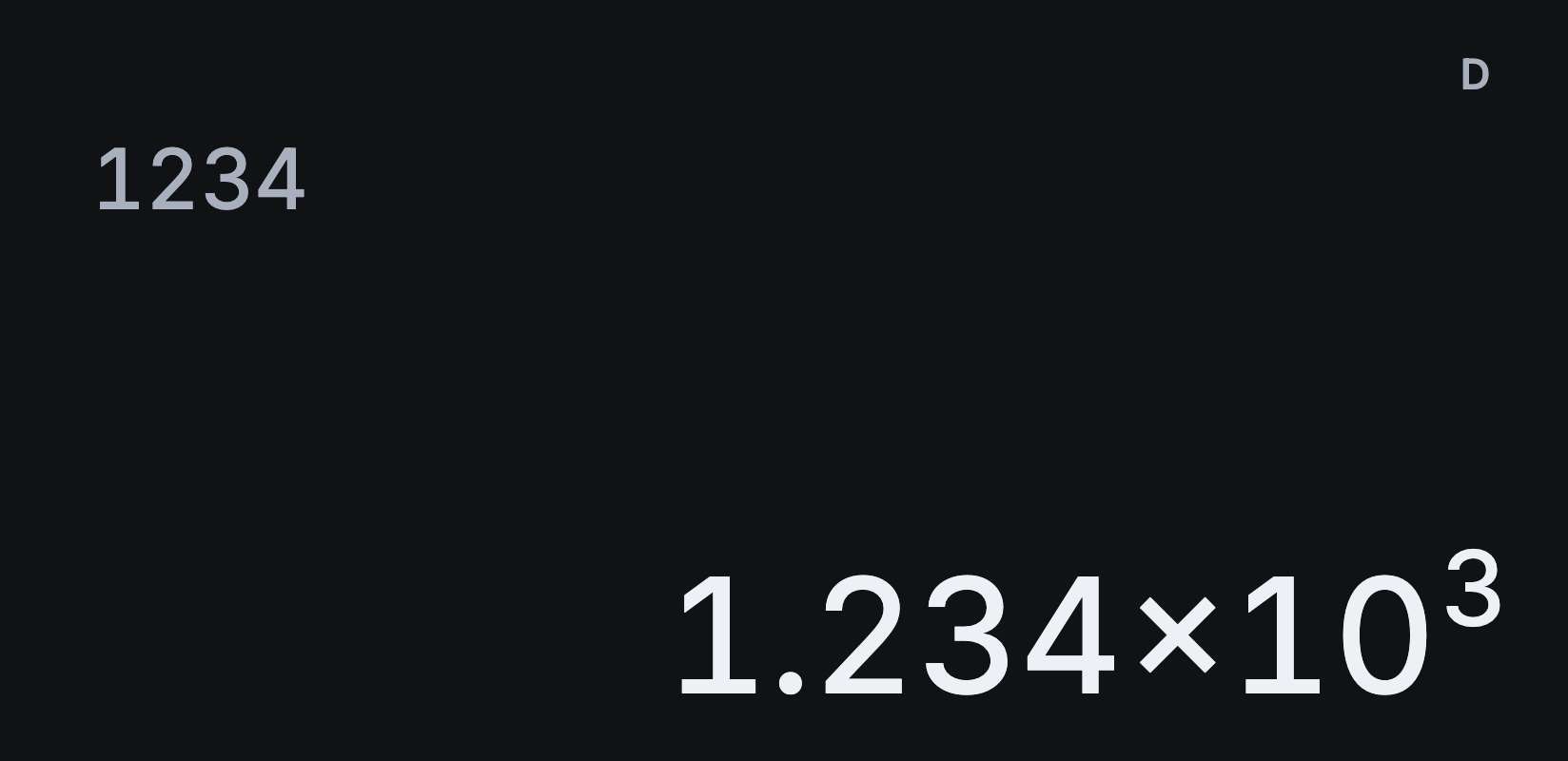
- Type 1 2 3 4 and tap =.
- Tap SHIFT, then ENG. The answer shows as 1.234×10³.
- Tap SHIFT ENG again to move the power down by three: 1234×10⁰.
- Tap •••, then ←ENG, to move it up by three instead. For 123, that gives 0.123×10³.
Engineering notation shines with small values. 0.00047 with ENG becomes 470×10⁻⁶, or 470 micro.
Choose how decimals appear
For every answer, open Settings → Calculation → Number format:
- Automatic shows scientific notation only when a number is very large or small.
- Small decimals keeps small decimals written out, down to 0.000000001.
- Fixed decimals rounds to the decimal places you choose.
- Scientific rounds to the significant digits you choose.
Exact fractions and roots stay exact whatever the format. Tap S⇔D to see their decimals.
Where’s the engineering format in Settings?
There isn’t one, because ENG and ←ENG work on any result, whichever format you use. Tap them whenever you want to see a value in thousands, millionths and so on.
For exact and decimal answers, see how to switch exact answers to decimals.