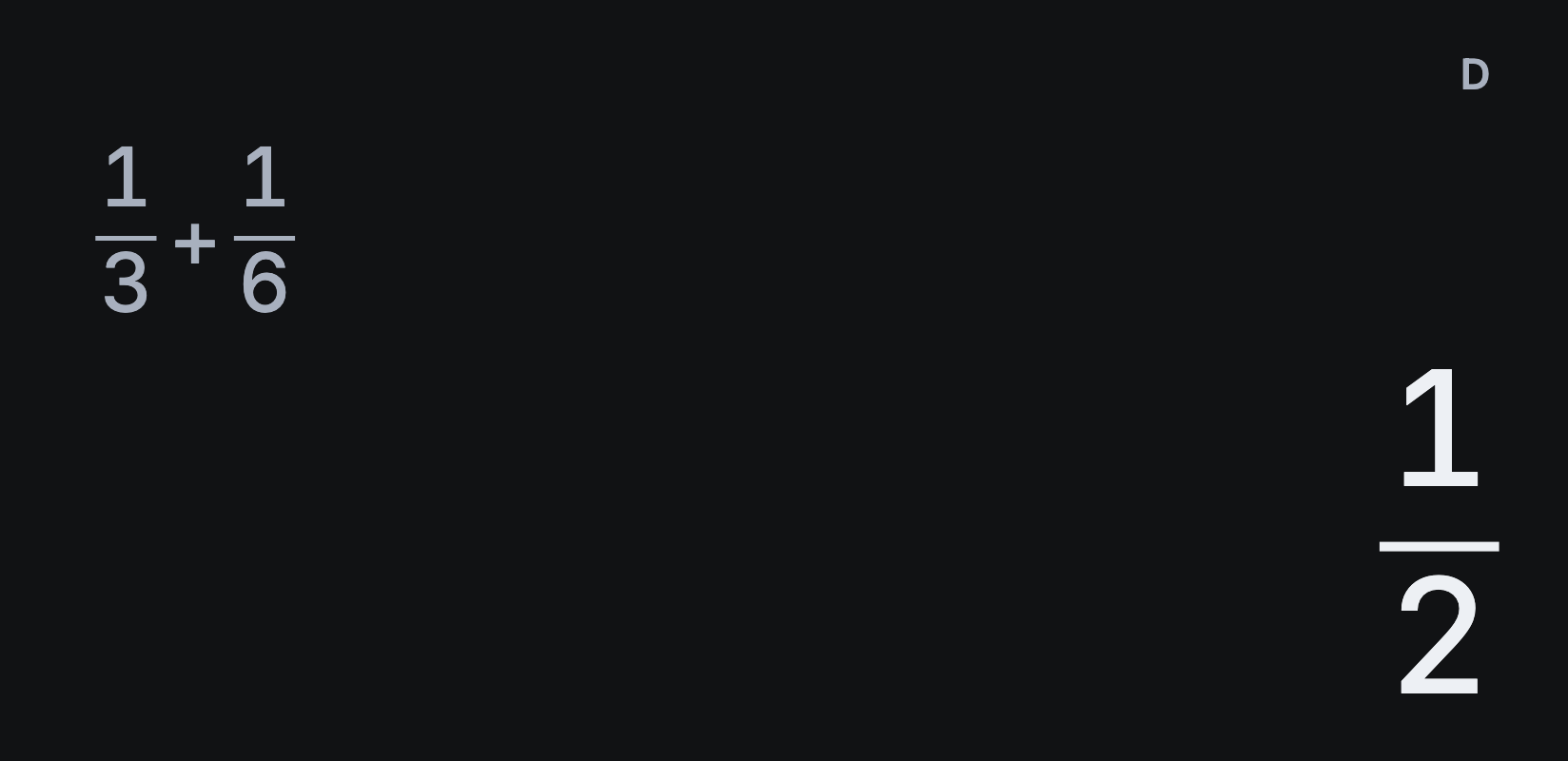
How to switch exact answers to decimals
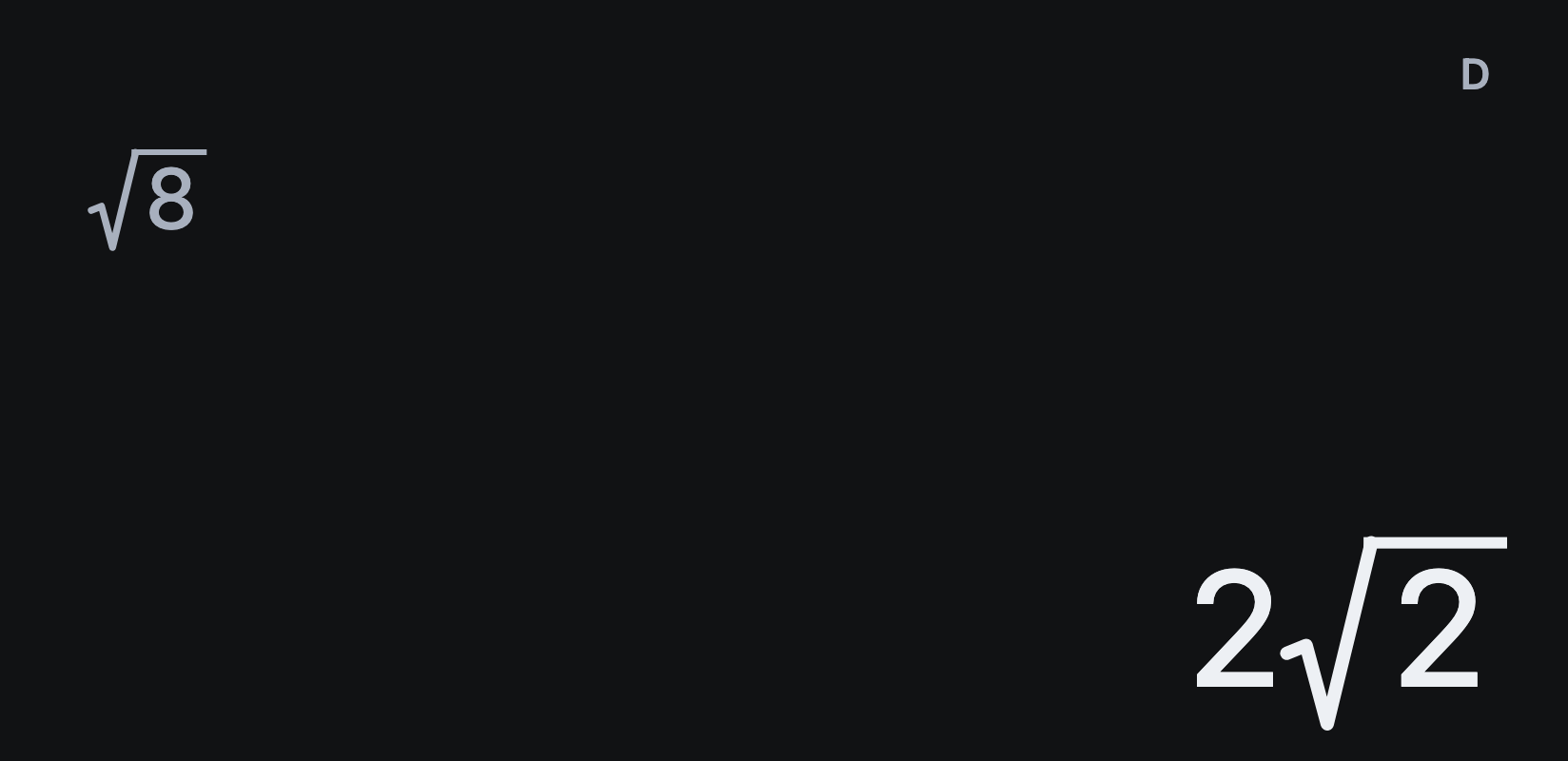
Sumi keeps answers exact where it can: as fractions, square roots or multiples of π, without rounding them. Try √8: tap AC, √□, 8 and =. Sumi simplifies it to 2√2.
Switch to the decimal
Tap S⇔D to see 2.828427125, then tap it again to return to 2√2. Press = first: S⇔D works on the finished result, not on the live preview while you type.
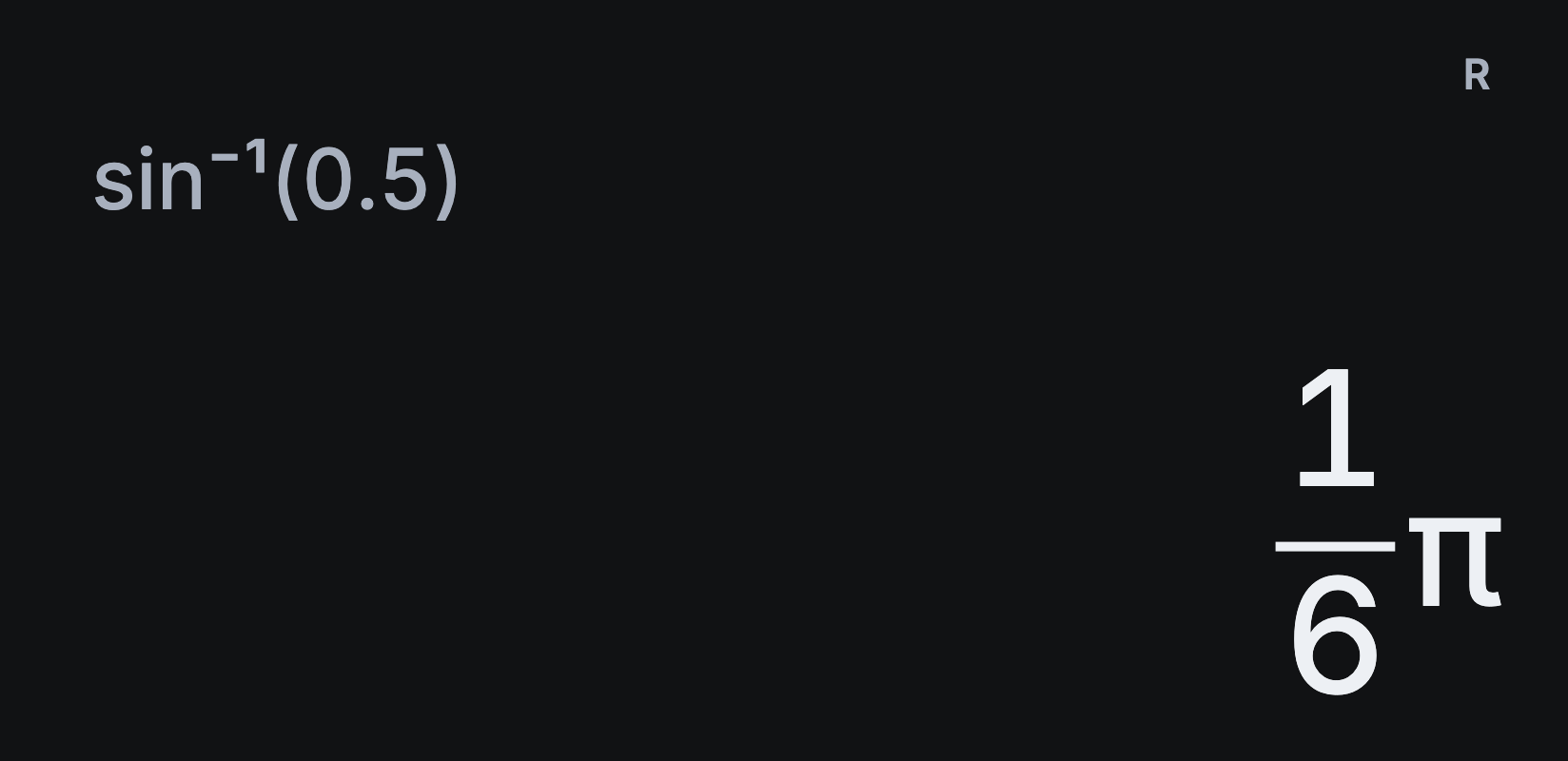
Multiples of π work the same way. π ÷ 6 = shows ⅙π, and S⇔D shows 0.5235987756.
Why is my answer a decimal?
Some calculations only give decimals, and some fractions are too large to show exactly. S⇔D can only switch to an exact form the calculation supports.
The input matters too. Use √2 rather than 2^0.5 for an exact square root, and 1 ÷ 3 rather than a rounded string of threes for one third. Sumi can’t recover the value you meant from a rounded input.
Set the number of decimal places
Open Settings → Calculation → Number format → Fixed decimals, then choose Decimal places. This changes how decimals are shown; tap S⇔D if a finished answer is still exact.
For stacked fractions and mixed numbers, follow the fractions guide.