How to calculate fractions in Sumi
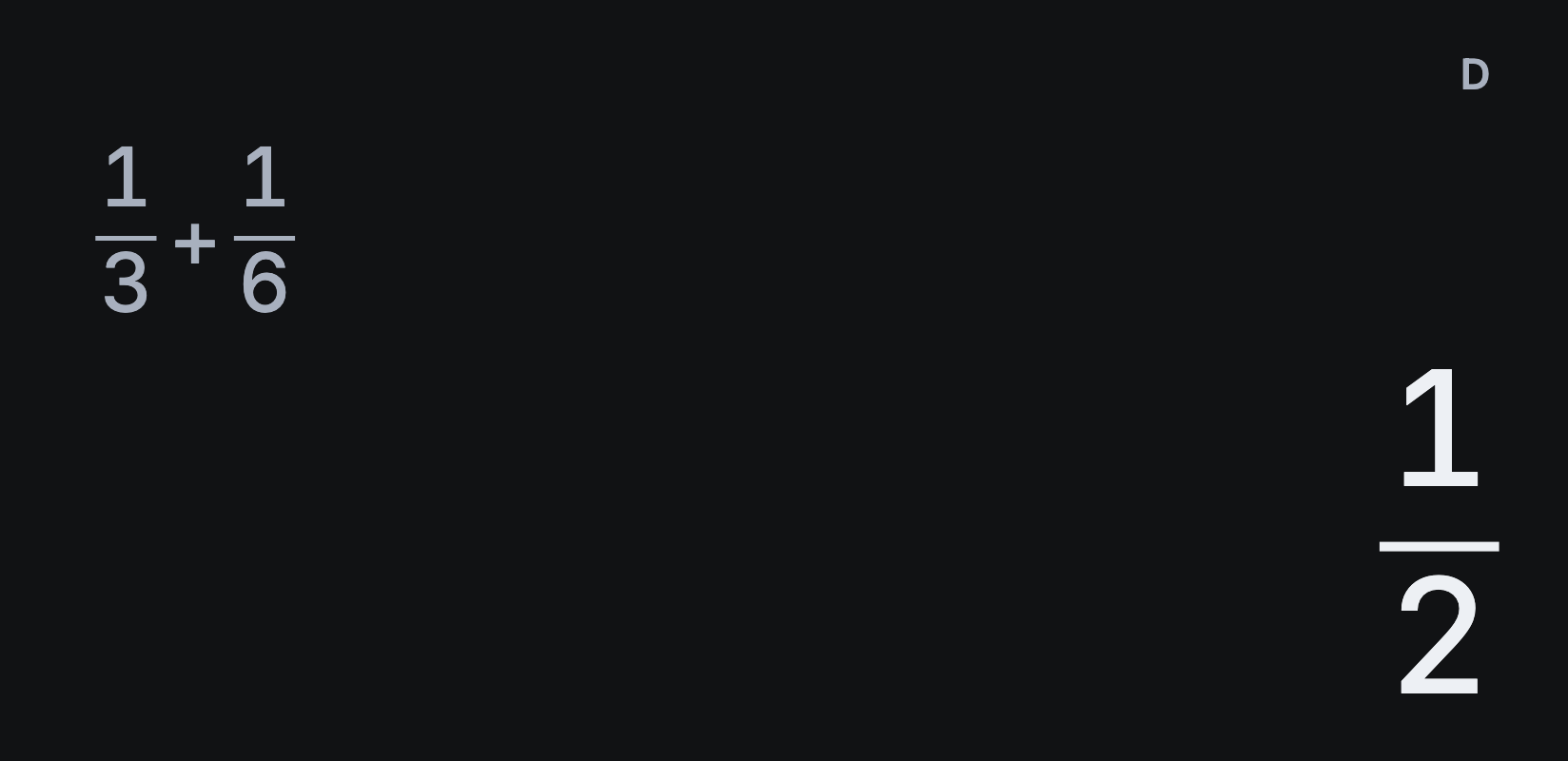
Sumi simplifies fraction answers automatically. Type 1 ÷ 3 + 1 ÷ 6, tap =, and the answer is 1/2. Tap S⇔D for 0.5, and tap it again to switch back.
Enter stacked fractions
To write the same sum with the fractions stacked, as you would on paper:
- Tap AC to start fresh.
- Tap the fraction key , then 1, ►, 3.
- Tap ► to leave the fraction, then +.
- Tap the fraction key again, then 1, ►, 6 and =.
The answer is 1/2. ► is the right arrow on the round arrow pad. Use it to leave a fraction before adding the next term, or you’ll keep typing in the denominator.
Enter mixed numbers
To enter 2 1/3, tap AC and 2, then SHIFT and the mixed-fraction key that appears. Then tap 1, ►, 3 and =. With the default settings, the answer is 7/3.
Show mixed-number answers
After a fraction result, tap SHIFT, then a b/c, to switch between improper and mixed forms: 7/3 becomes 2 1/3. Repeat to switch back.
To see mixed numbers by default, choose Settings → Calculation → Fraction results → Mixed numbers.
For square roots and multiples of π, see how to switch exact answers to decimals.