How to switch between degrees and radians
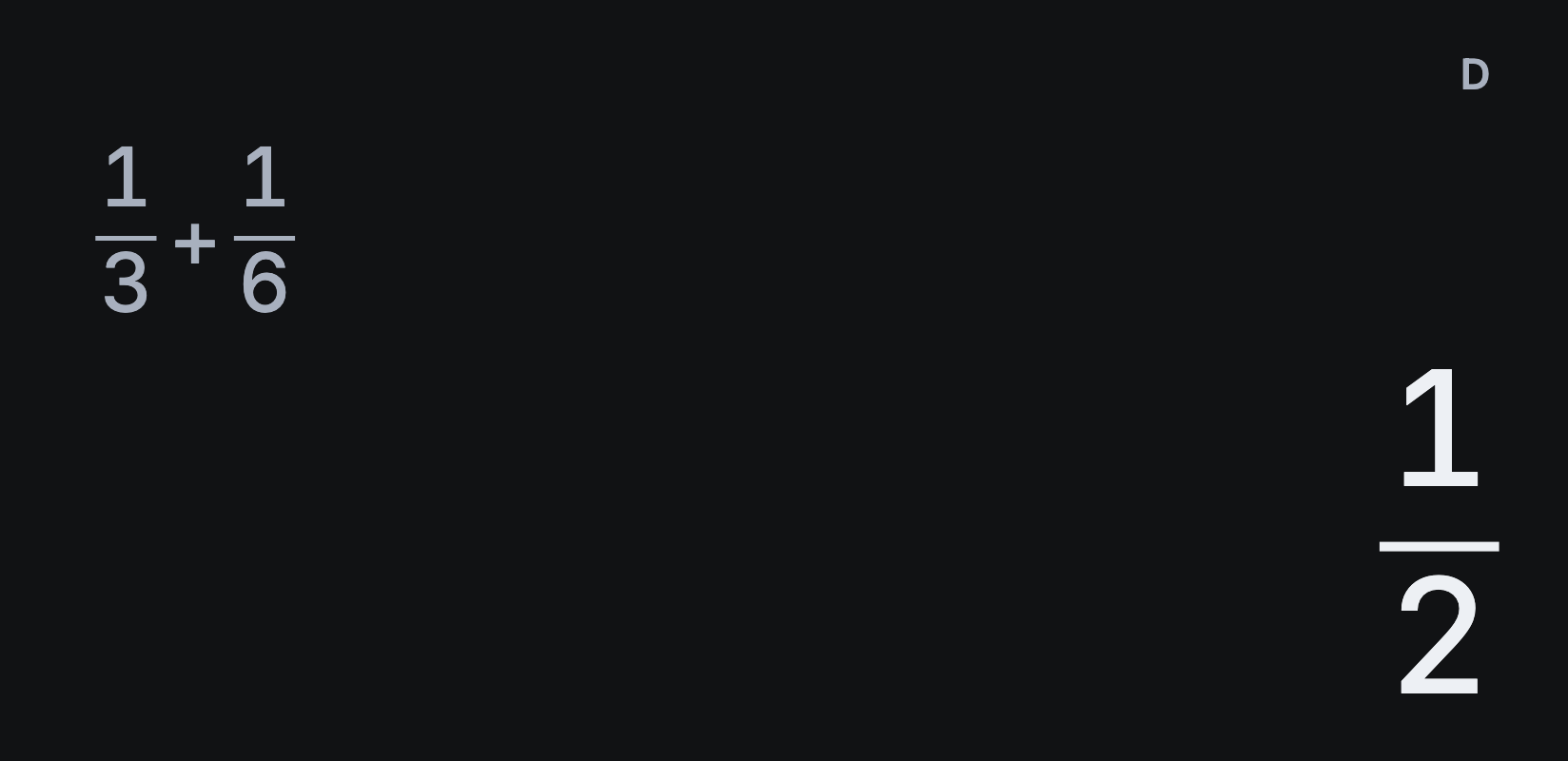
If sin(30) gives −0.9880316241 instead of 1/2, Sumi is set to radians. The letter at the top right of the display shows the angle unit: D for degrees, R for radians and G for gradians.
Change the angle unit
- Tap the D, R or G at the top of the display to switch to the next unit.
- Or open Settings → Angle unit and choose Degrees, Radians or Gradians.
The setting stays until you change it, and it applies to sin, cos, tan, their inverses and polar coordinates.
Answers in radians
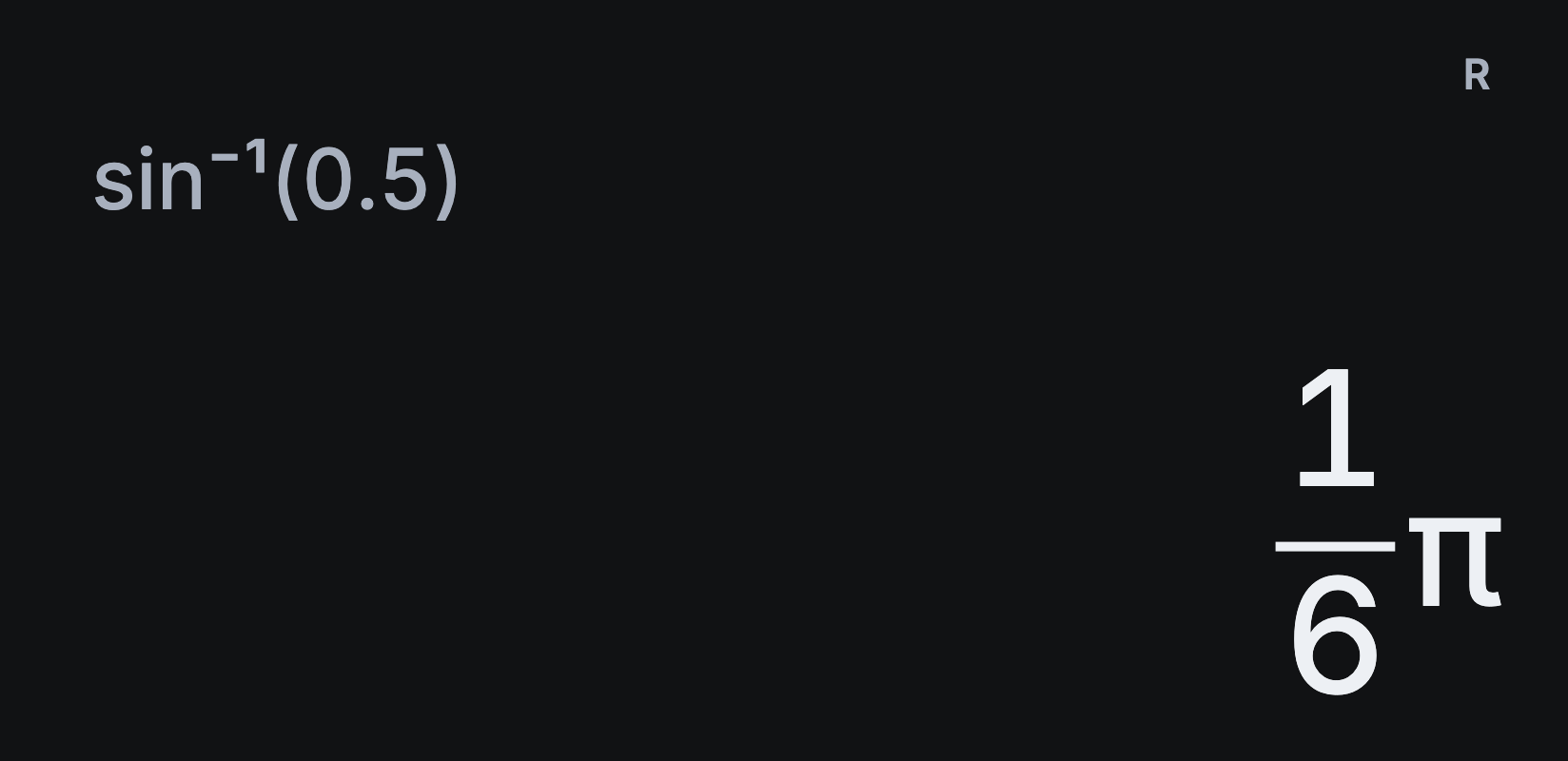
In radians, Sumi still keeps answers exact where it can. SHIFT sin⁻¹ 0.5 ) = gives ⅙π; tap S⇔D for 0.5235987756. And cos(π) gives −1.
Mark a single angle in degrees
To use degrees for one angle without changing the setting, mark it with DRG‣ from the ••• menu. In radians, type sin 30, then tap ••• → DRG‣ and choose 1 for degrees. Close the bracket with ) and tap =: the answer is 1/2.
Which unit should I use?
Degrees suit everyday geometry and most school trigonometry. Radians are standard in calculus, physics and engineering formulas, such as angular velocity. Gradians divide a right angle into 100 and are mainly used in surveying.
For integrals and derivatives of trigonometric functions, switch to radians first. See how to calculate a definite integral.