How to calculate a definite integral on a scientific calculator
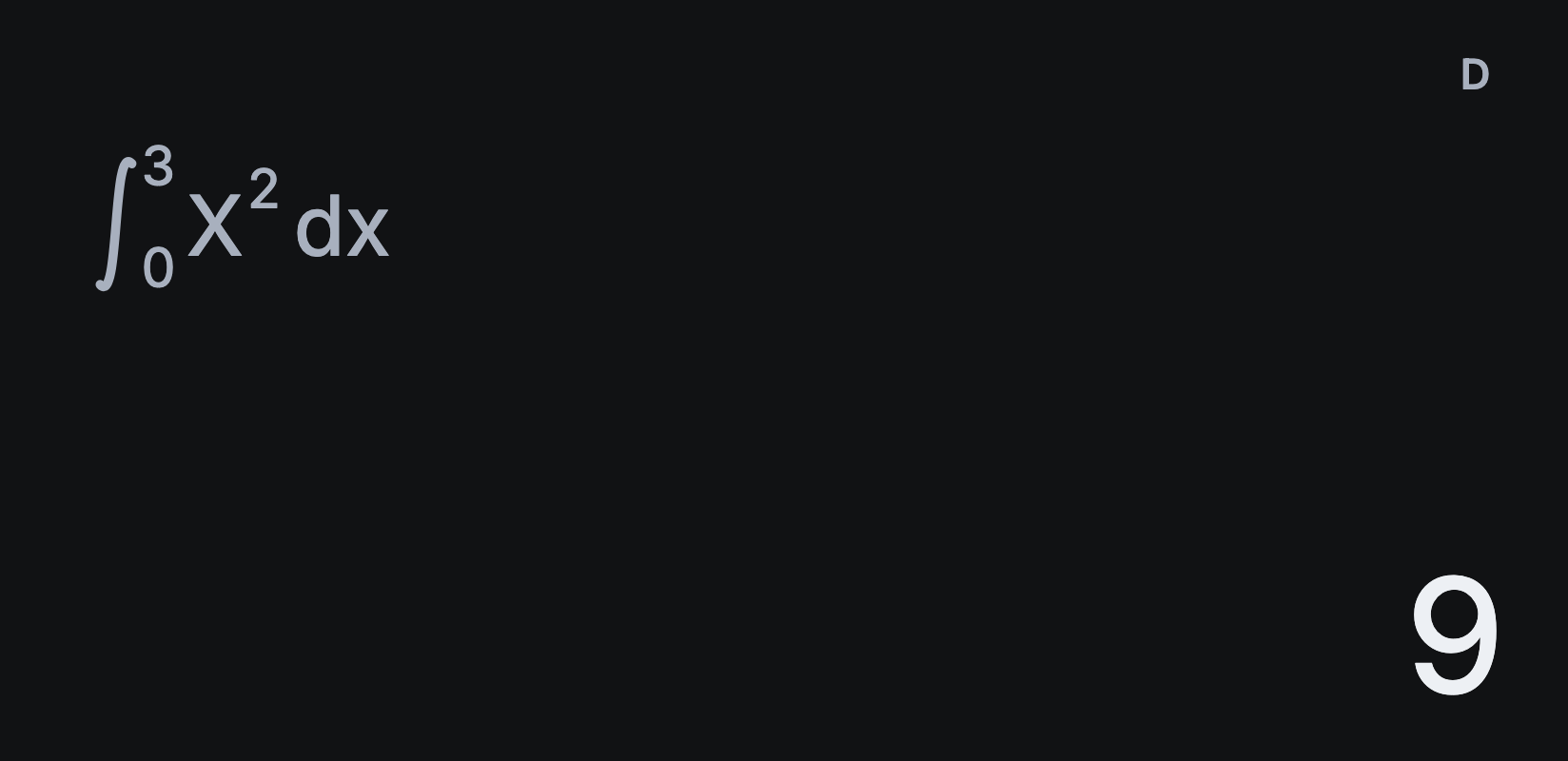
Sumi’s ∫□dx key works out definite integrals numerically, laid out the way you’d write them on paper. Here’s ∫₀³ x² dx, the area under x² from 0 to 3.
Integrate from one limit to another
- Tap AC, then ∫□dx. An integral appears with the cursor in the function.
- Tap X, then x². The function is always written in terms of X.
- Tap ► to move to the lower limit and type 0.
- Tap ► again to move to the upper limit and type 3.
- Tap =. The answer is 9.
You can edit any part afterwards: tap ◄ or ► to move back into the integral, change a limit and tap = again.
Answers are numerical
Sumi calculates integrals numerically, so answers are decimals. ∫₀¹ x² dx shows 0.3333333333 rather than 1/3.
If it takes a while or shows Time Out
Functions with sharp spikes, gaps or very wide limits take longer. Sumi shows a spinner while it works, and you can tap AC to stop. Time Out means Sumi couldn’t reach an accurate answer: try splitting the range into smaller parts and adding the results.
Integrating sin, cos and tan
In calculus, angles are in radians. Before integrating a trigonometric function, set Settings → Angle unit to Radians, or tap the D at the top of the display until it shows R. See how to switch between degrees and radians.
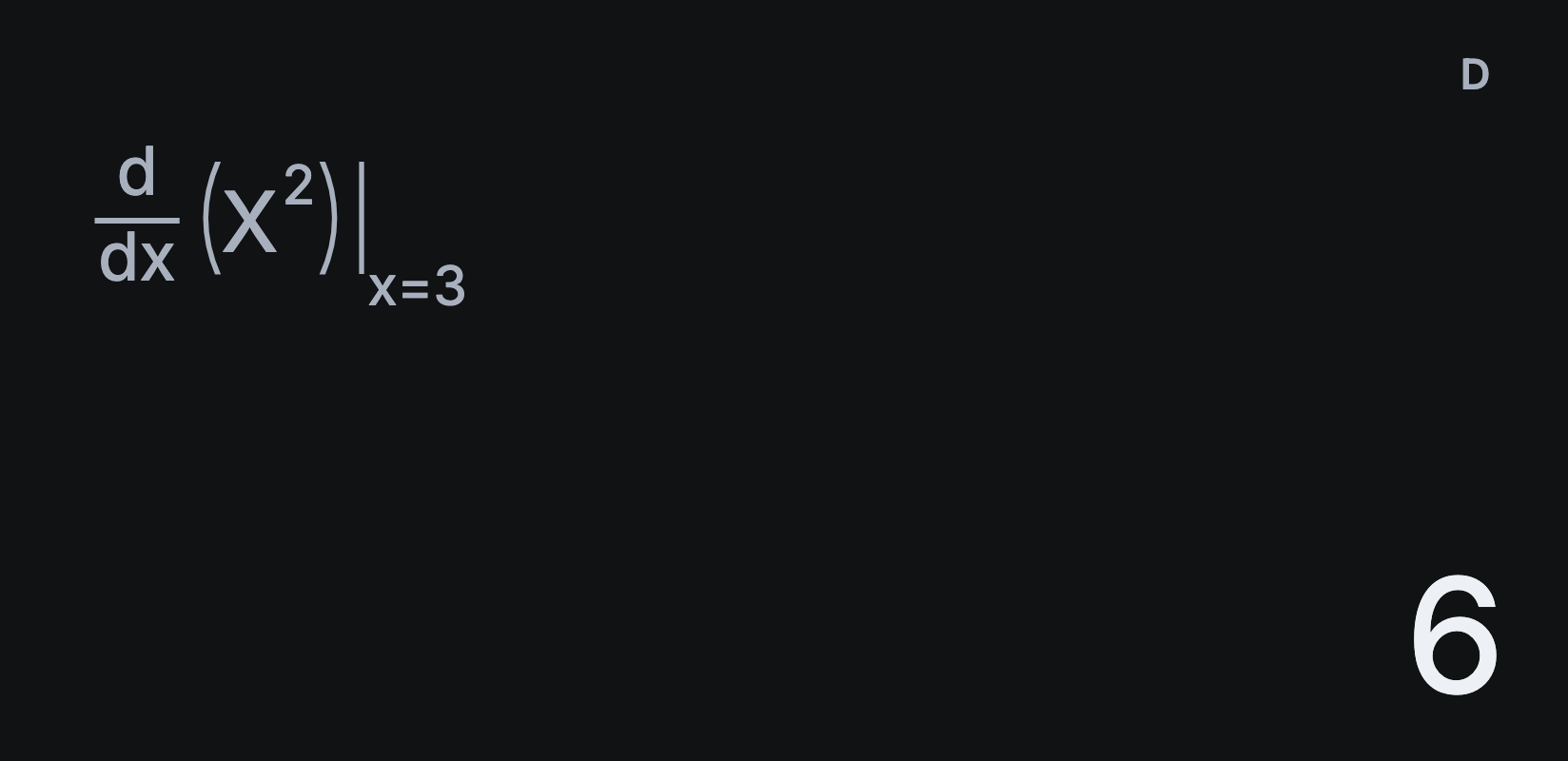
For the gradient at a single point, see how to find a derivative at a point.