
Scientific calculator, Free on AndroidLeave the calculatorat home.
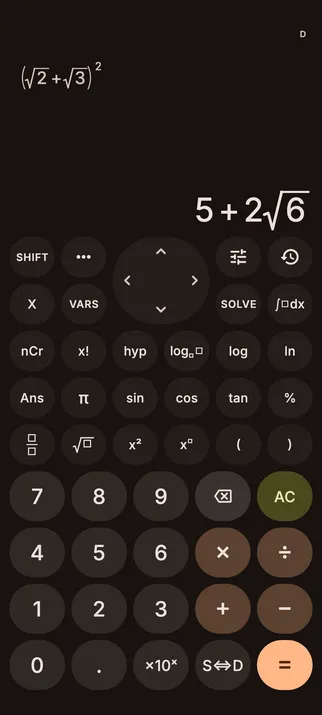
The keys you know, maths that looks like your textbook and answers that stay exact. On the phone you already carry.
- Every feature free
- No ads
- No account
- Works offline
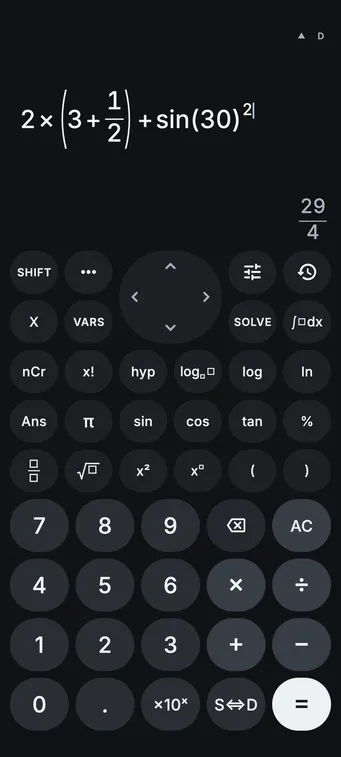
Every key within reach.
π, %, SOLVE and nCr have keys of their own, ••• opens constants, conversions and the rest, and holding a key gives its SHIFT function. Prefer the traditional layout? Choose Classic in Settings.


Answers you’d write on paper.
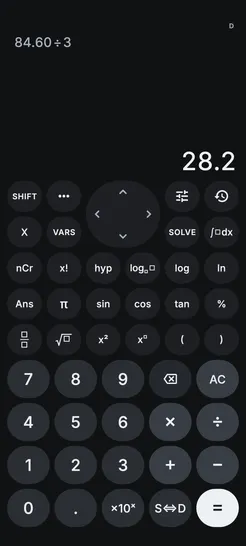
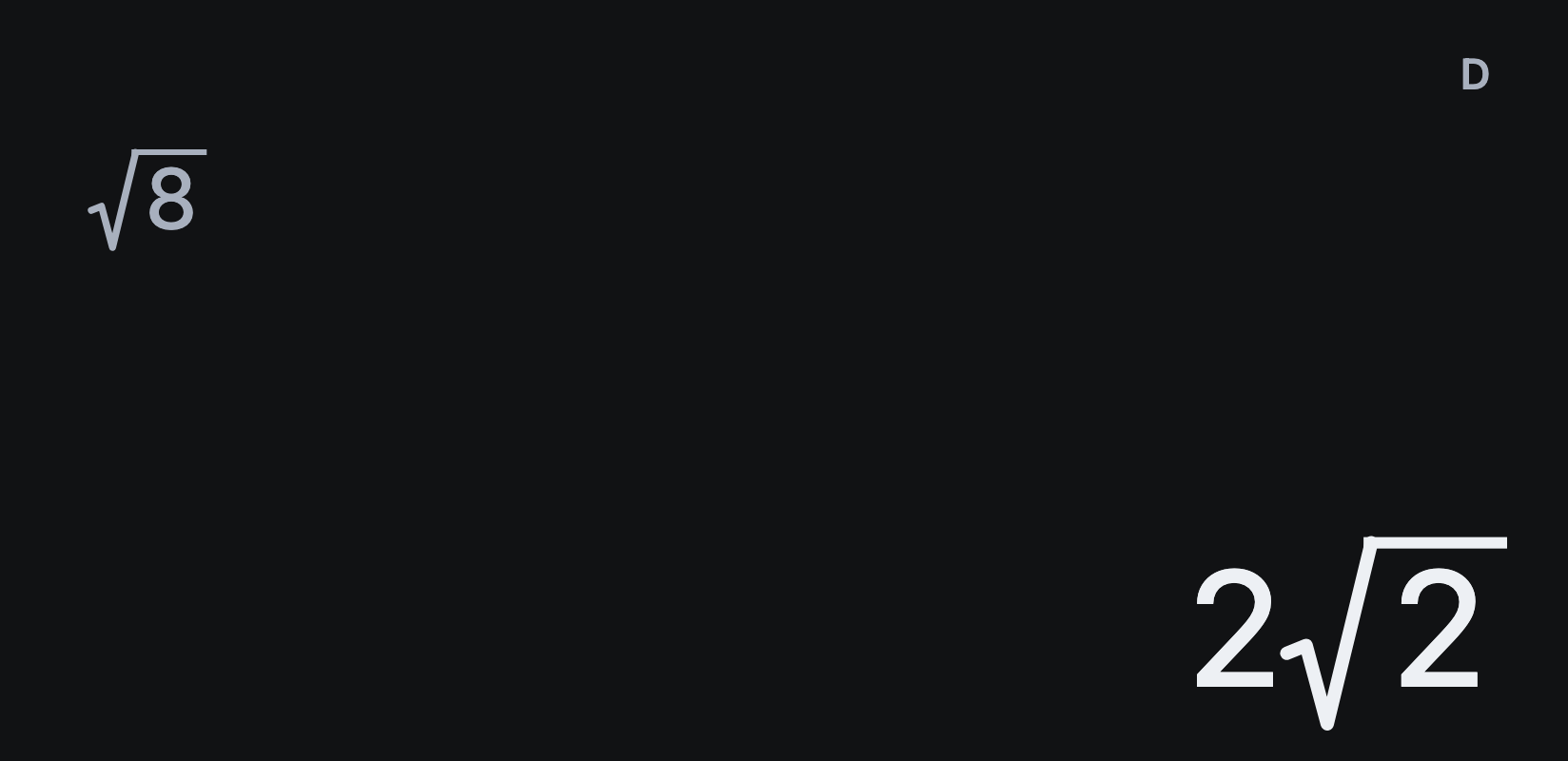
Fractions, surds and multiples of π stay exact where supported. When you need the decimal, tap S⇔D.
- Improper fractions or mixed numbers
- Fixed, scientific or engineering notation
- Degrees, minutes and seconds
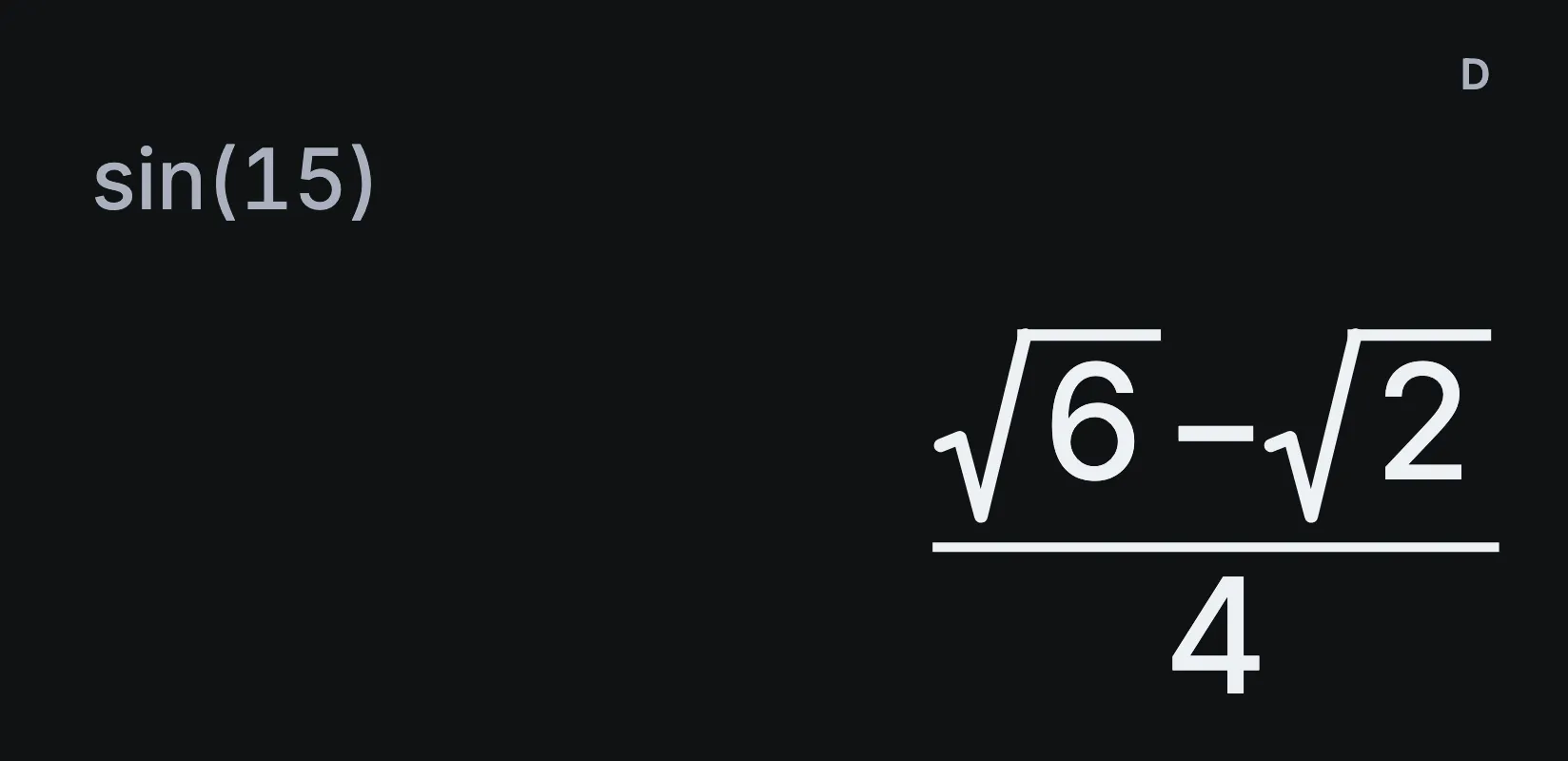
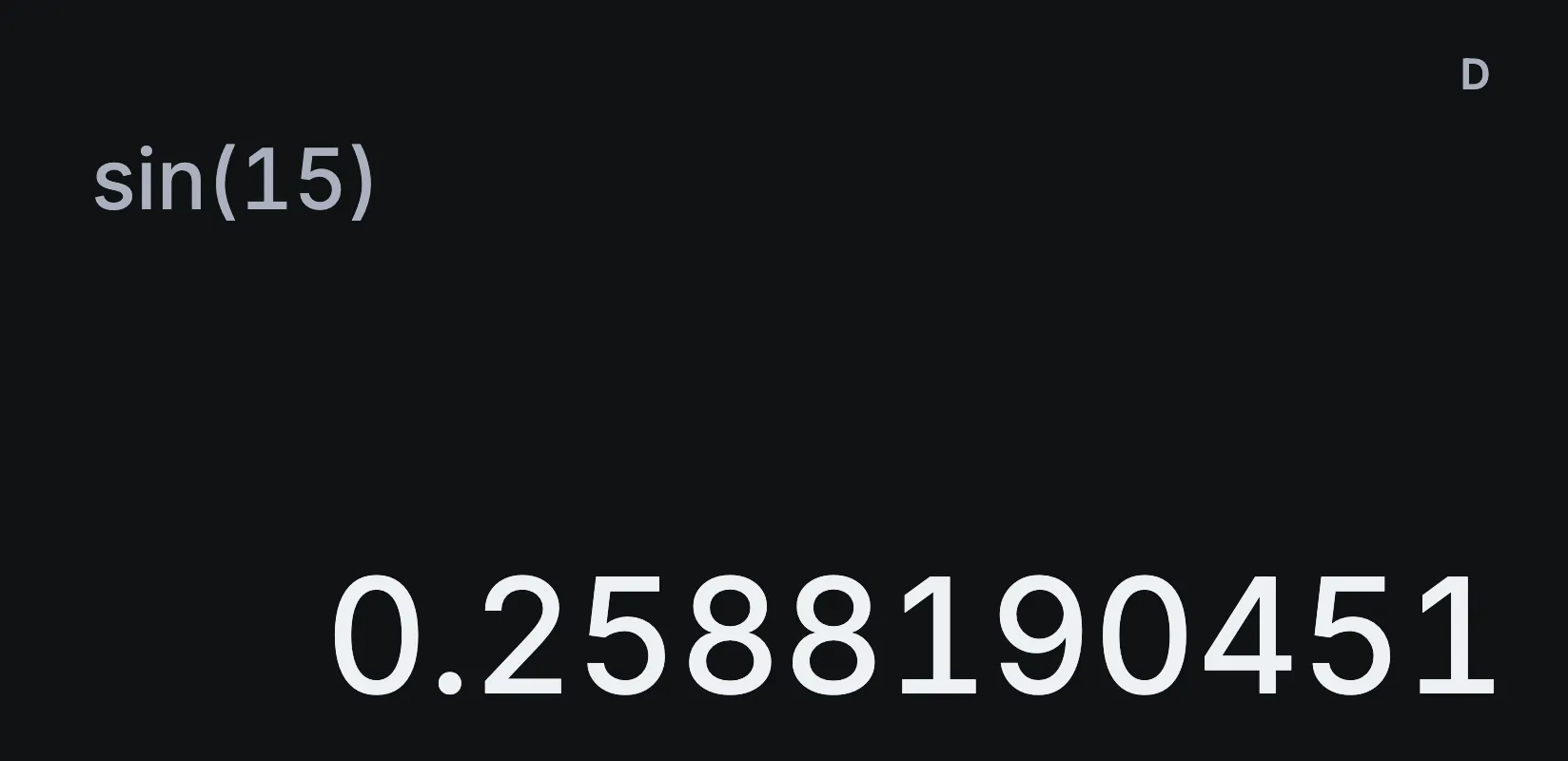
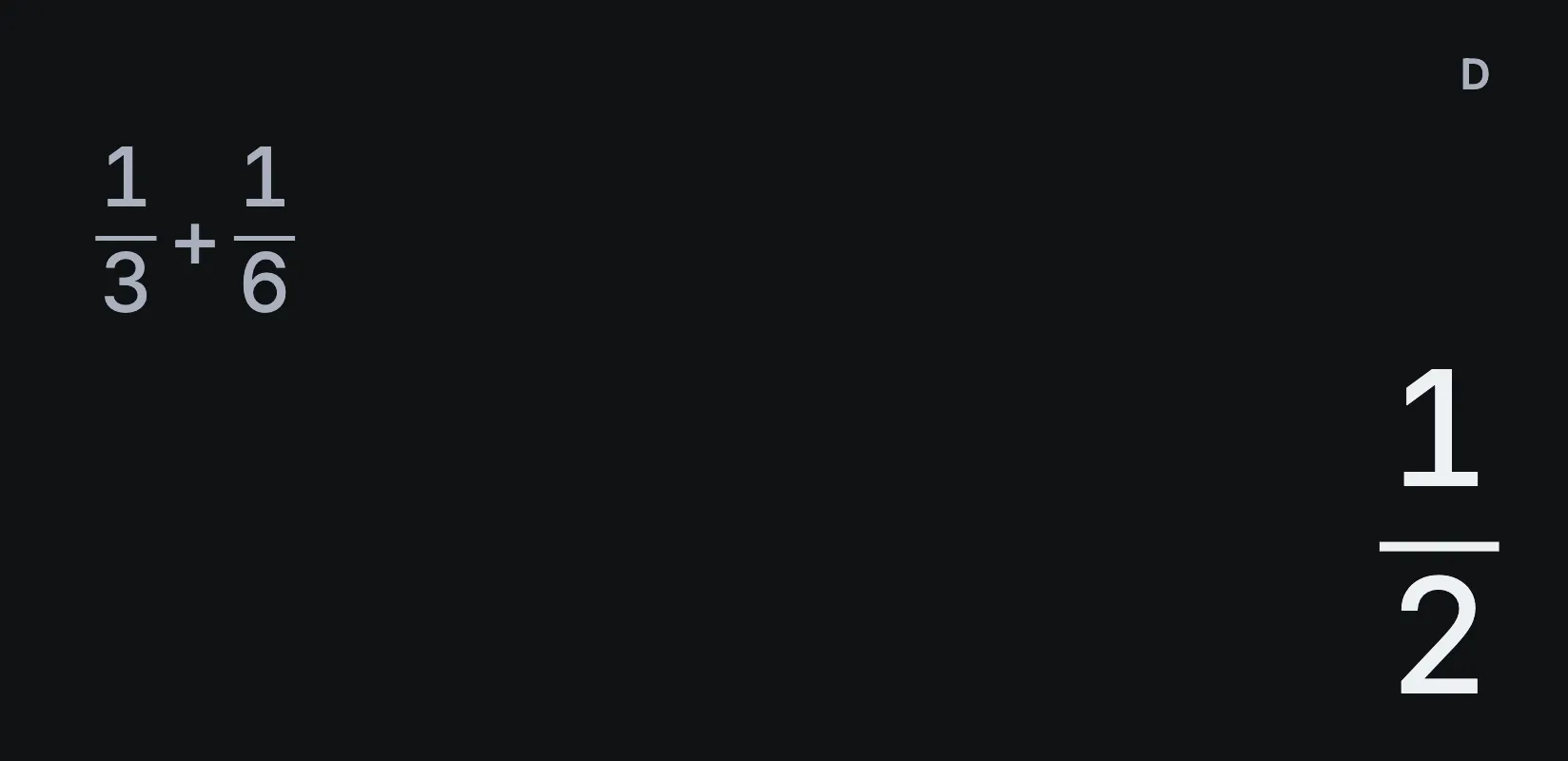
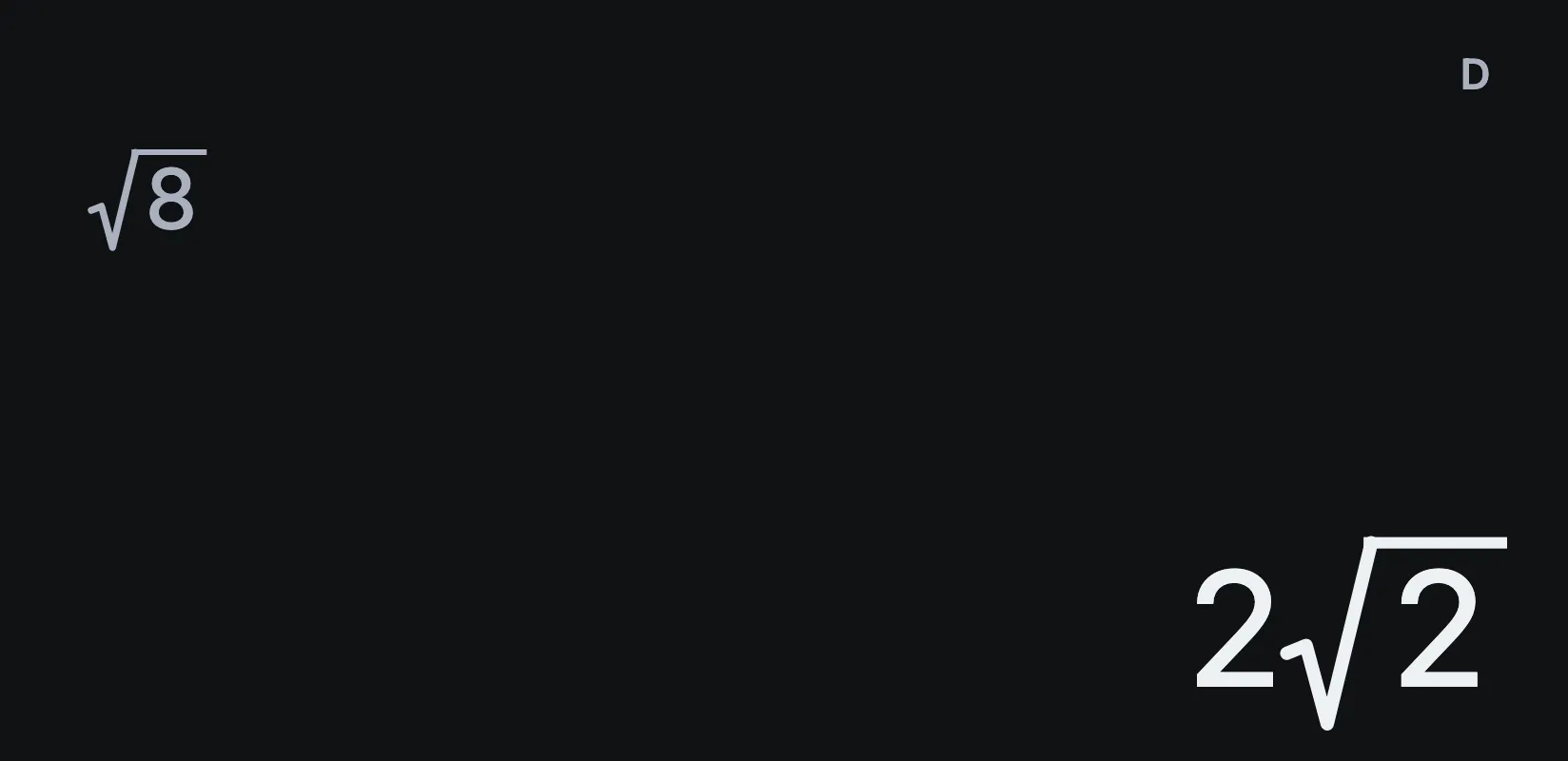
Everything you reach for.
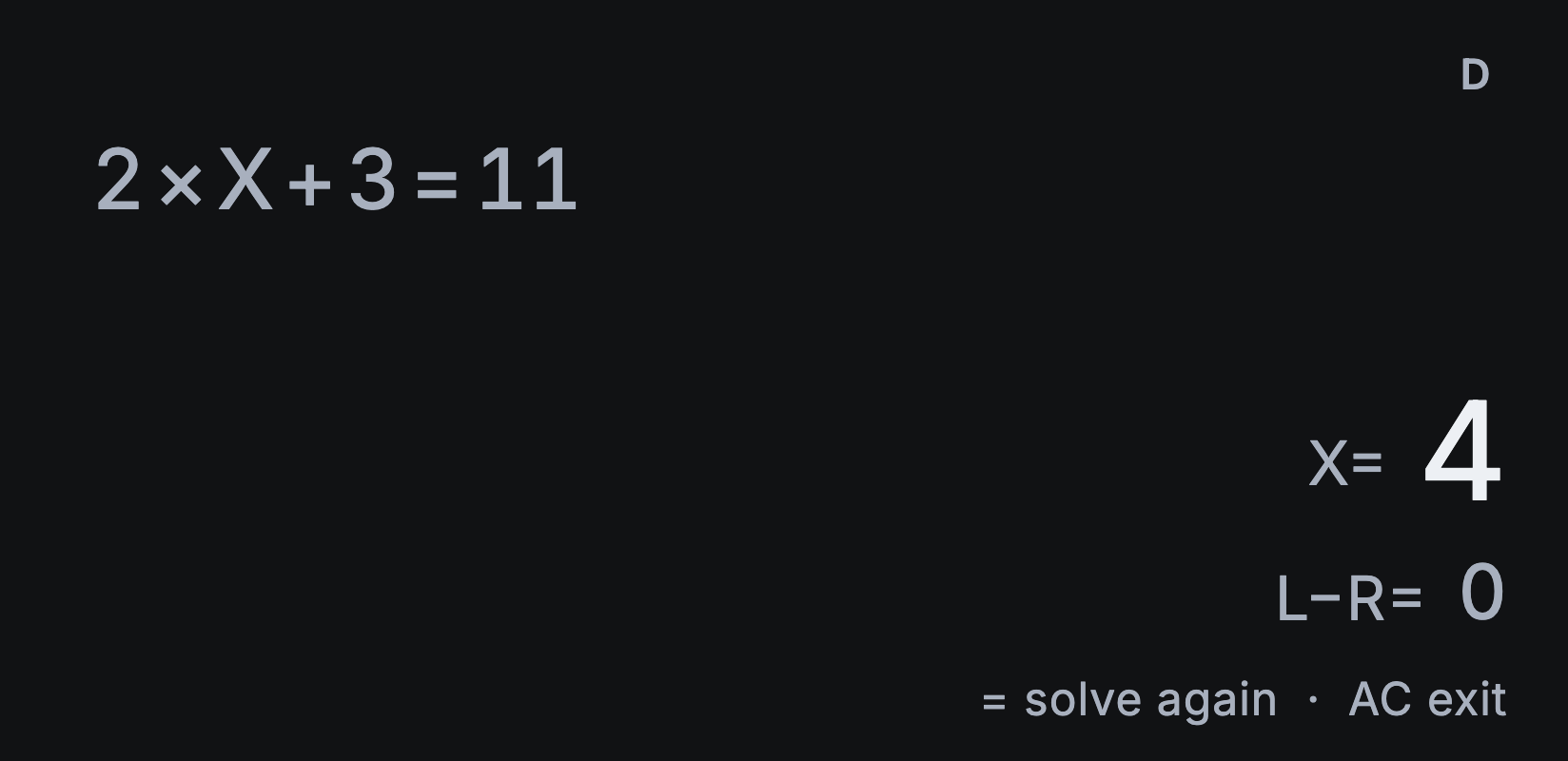
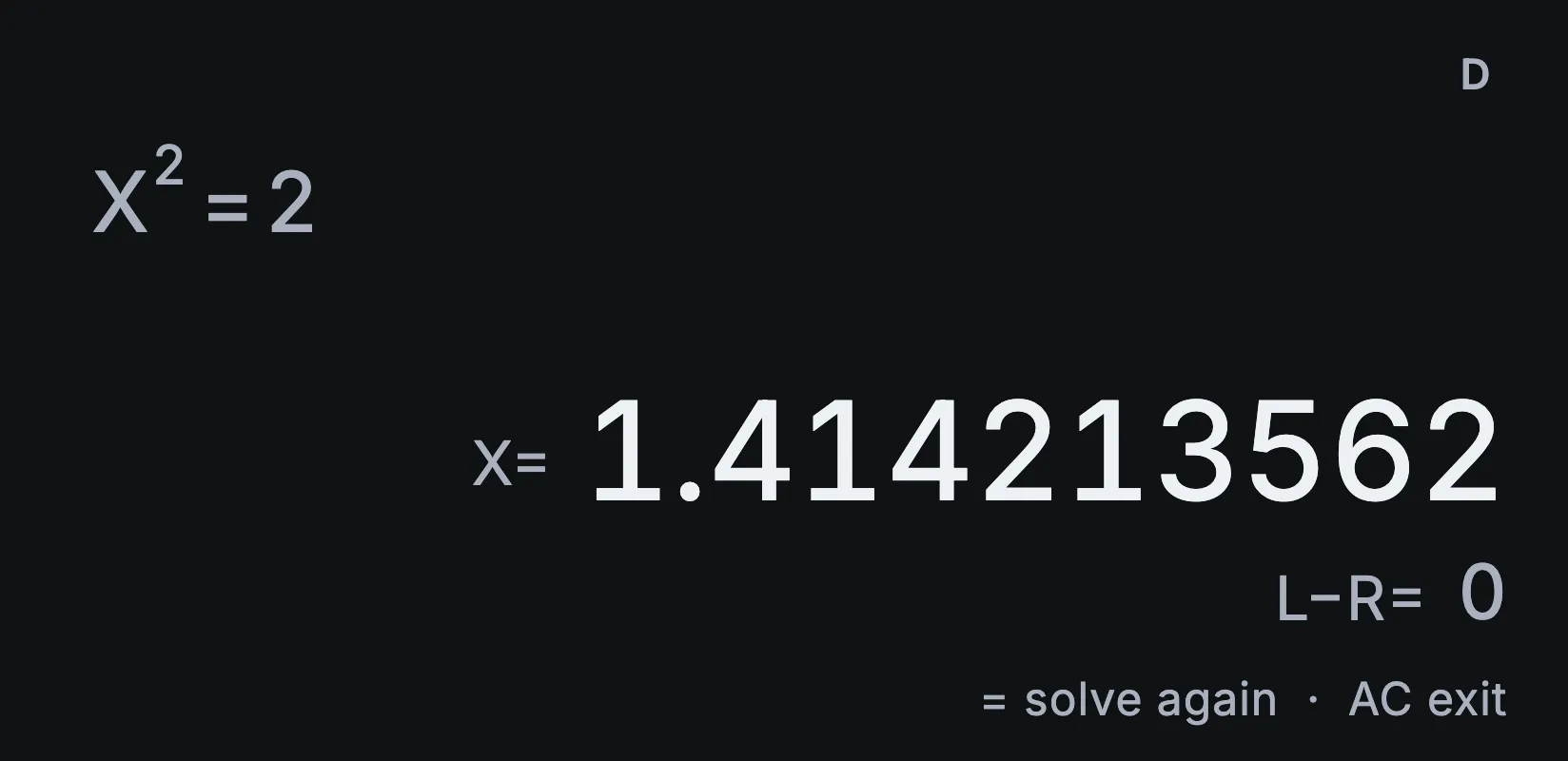 Solve for XX² = 2 gives X = 1.414213562. SOLVE finds X numerically and shows L−R, the gap between the two sides.

 40 scientific constantsFrom the speed of light to standard gravity, ready to drop into a calculation.
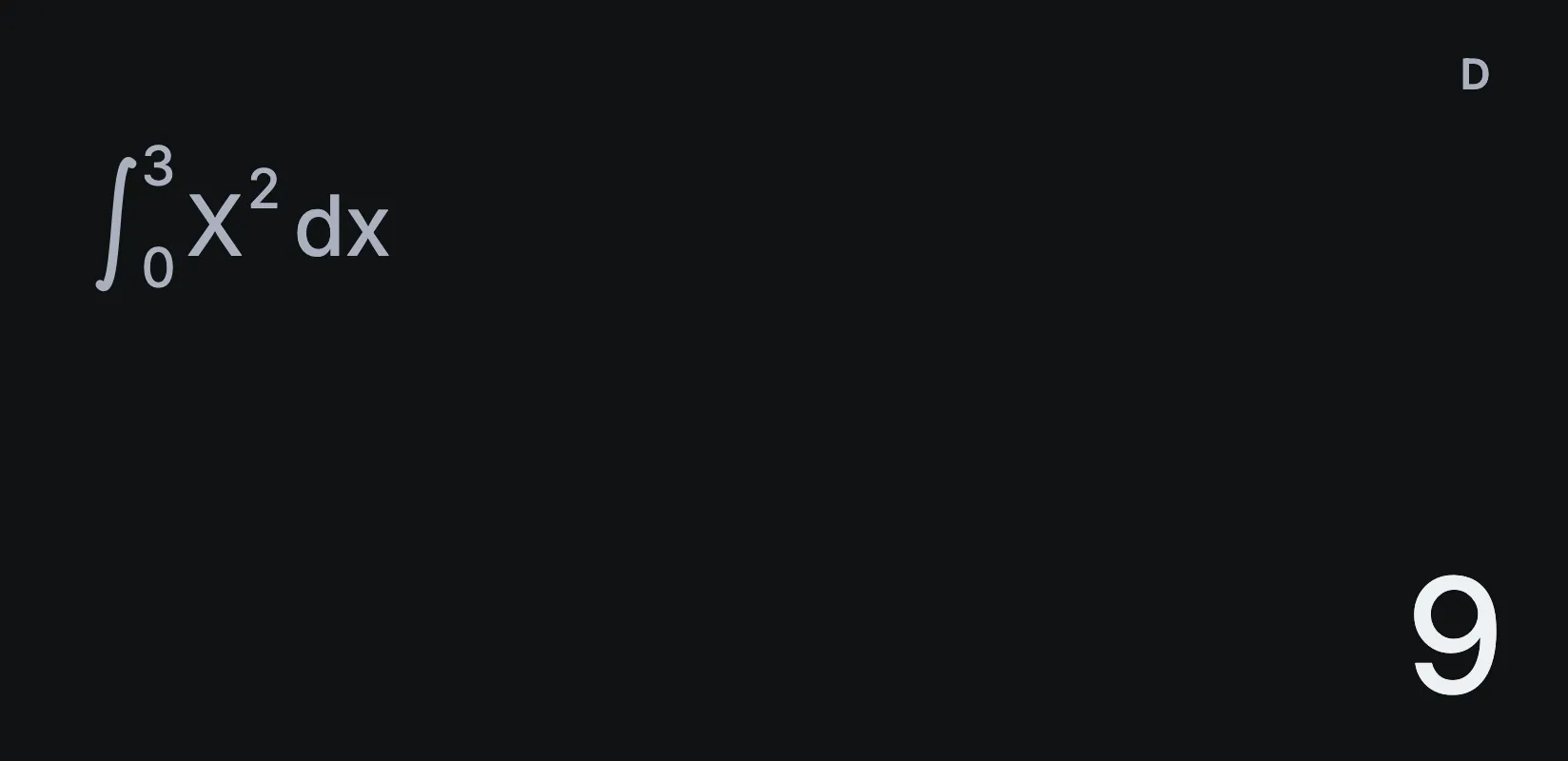 Integrals, derivatives and sums∫₀³ x² dx = 9, laid out the way your textbook writes it.
- 0 Ads, accounts or subscriptionsEvery feature is free, and every calculation works offline.
 40 unit conversions12 inches is 30.48 cm. Length, mass, pressure, energy and more.
- 50 Calculations in historyRecall one, change a value and carry on where you left off.
Calculate from any app.
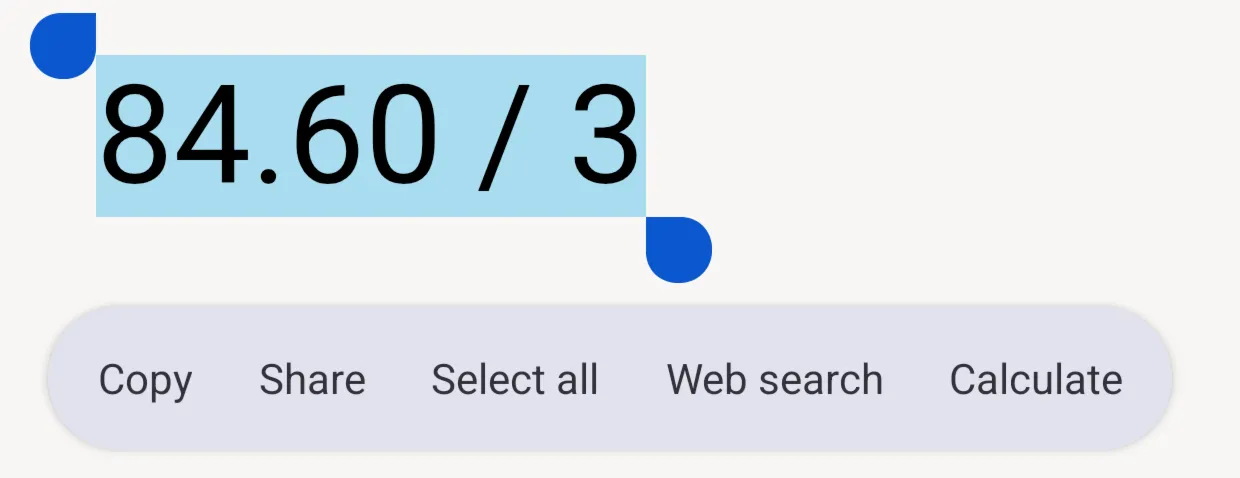
Select a sum in a message, a web page or a note, choose Calculate, and Sumi opens with the answer.
- Quick Settings tileAdd Sumi to Quick Settings and open it from any screen.
- Calculator keyYour keyboard’s calculator key opens Sumi straight away.
- Coming to iPhoneOpen Sumi from Control Centre, the Lock Screen or the Action button on iOS 18 and later.
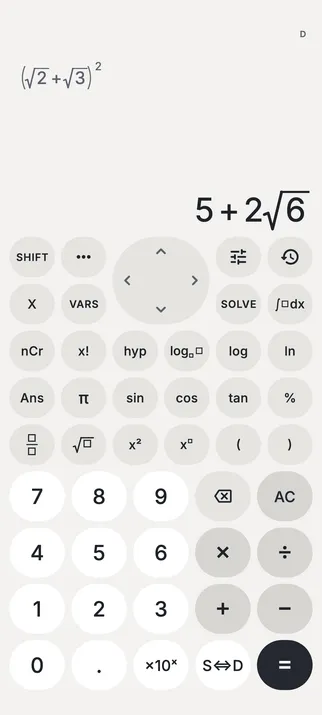
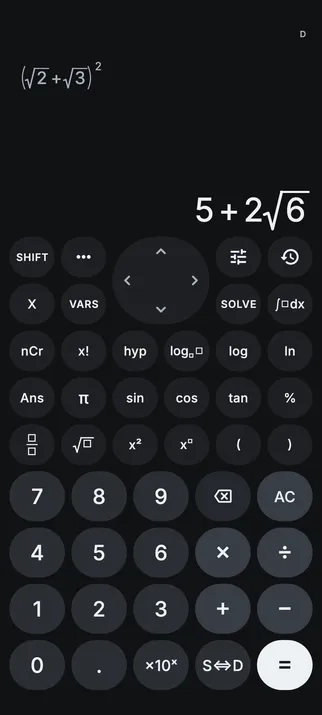
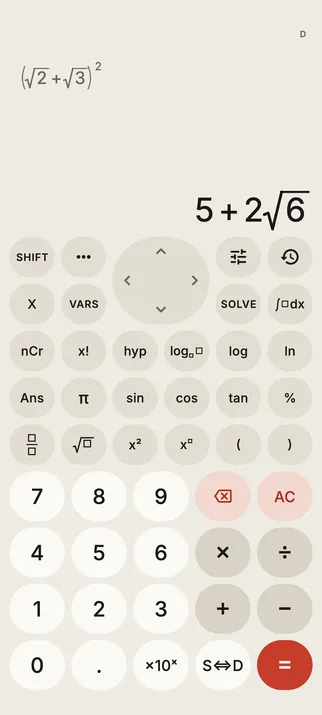
Four looks. One calculator.
Sumi’s ink and soft greys in light or dark, warm Paper & Ink, or colours from your wallpaper on Android 12 and later.
Why Sumi exists
“I’ve used a scientific calculator since high school. I wanted one on the phone I always carry, without ads or clutter, and nicer to use. So I made Sumi.”
A little help, when you want it.
All guides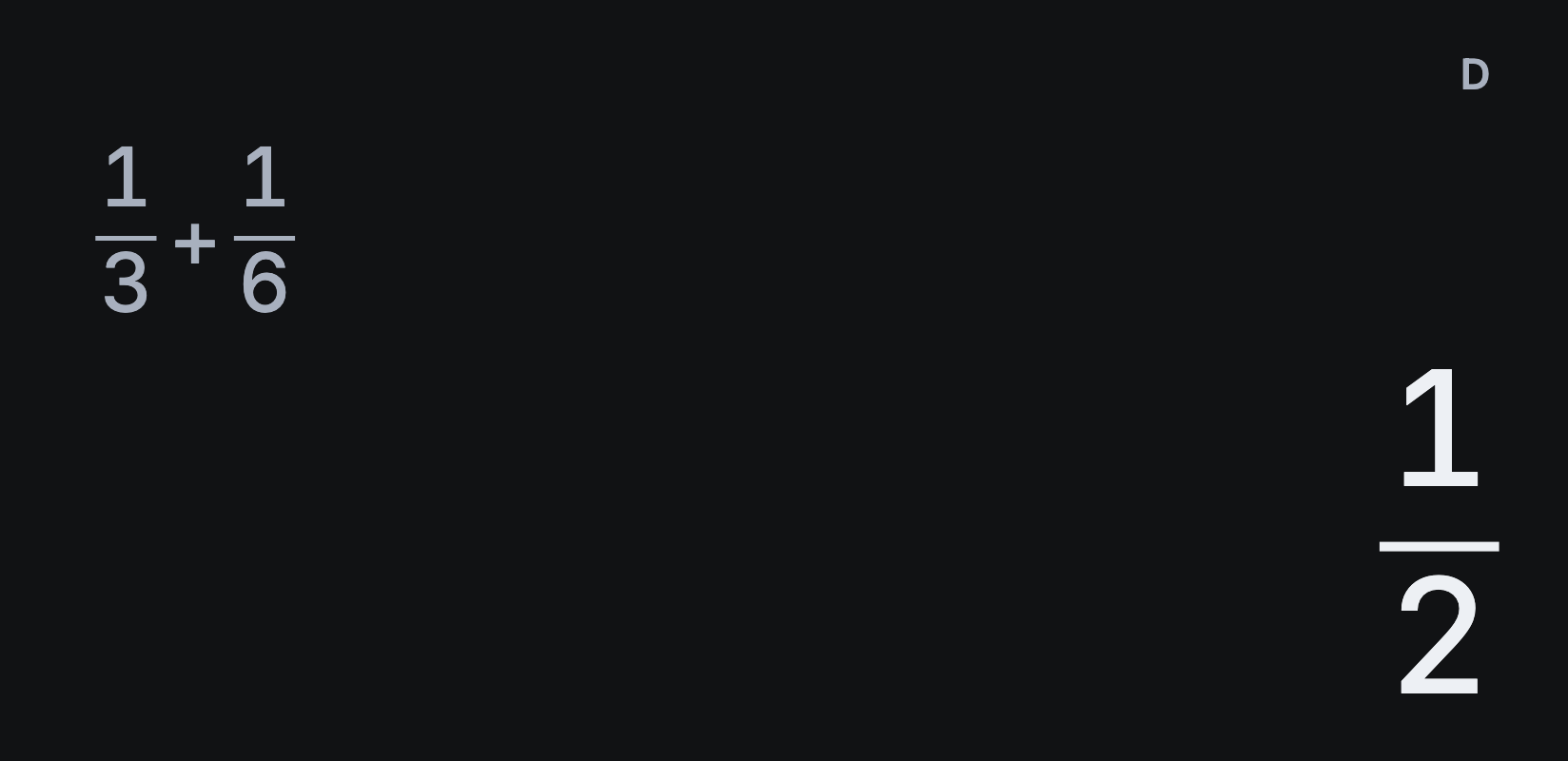 Fractions
How to calculate fractions in Sumi
 Exact answers
How to switch exact answers to decimals
 SOLVE
SOLVEHow to solve equations with Sumi
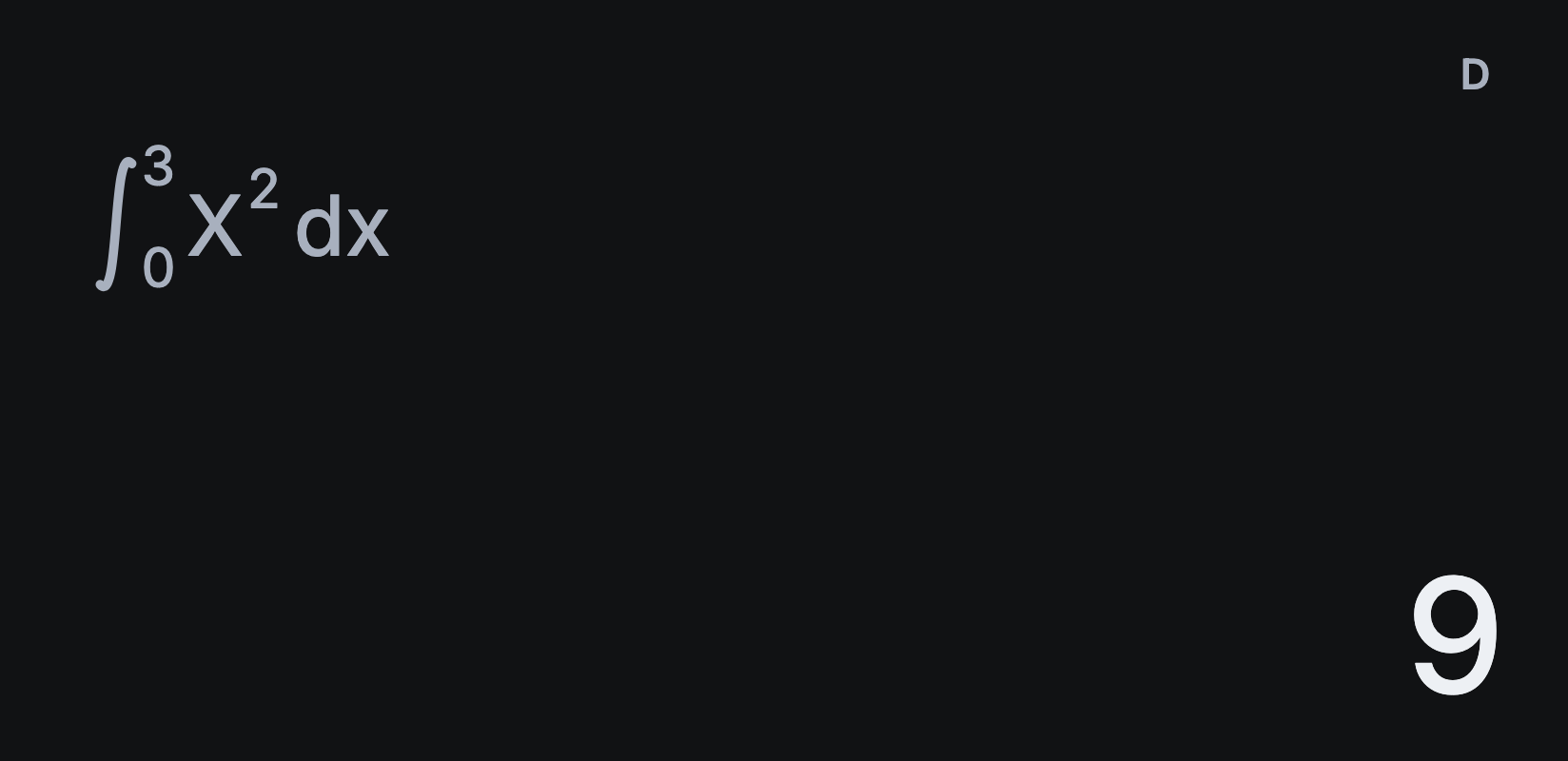 Integrals
How to calculate a definite integral on a scientific calculator
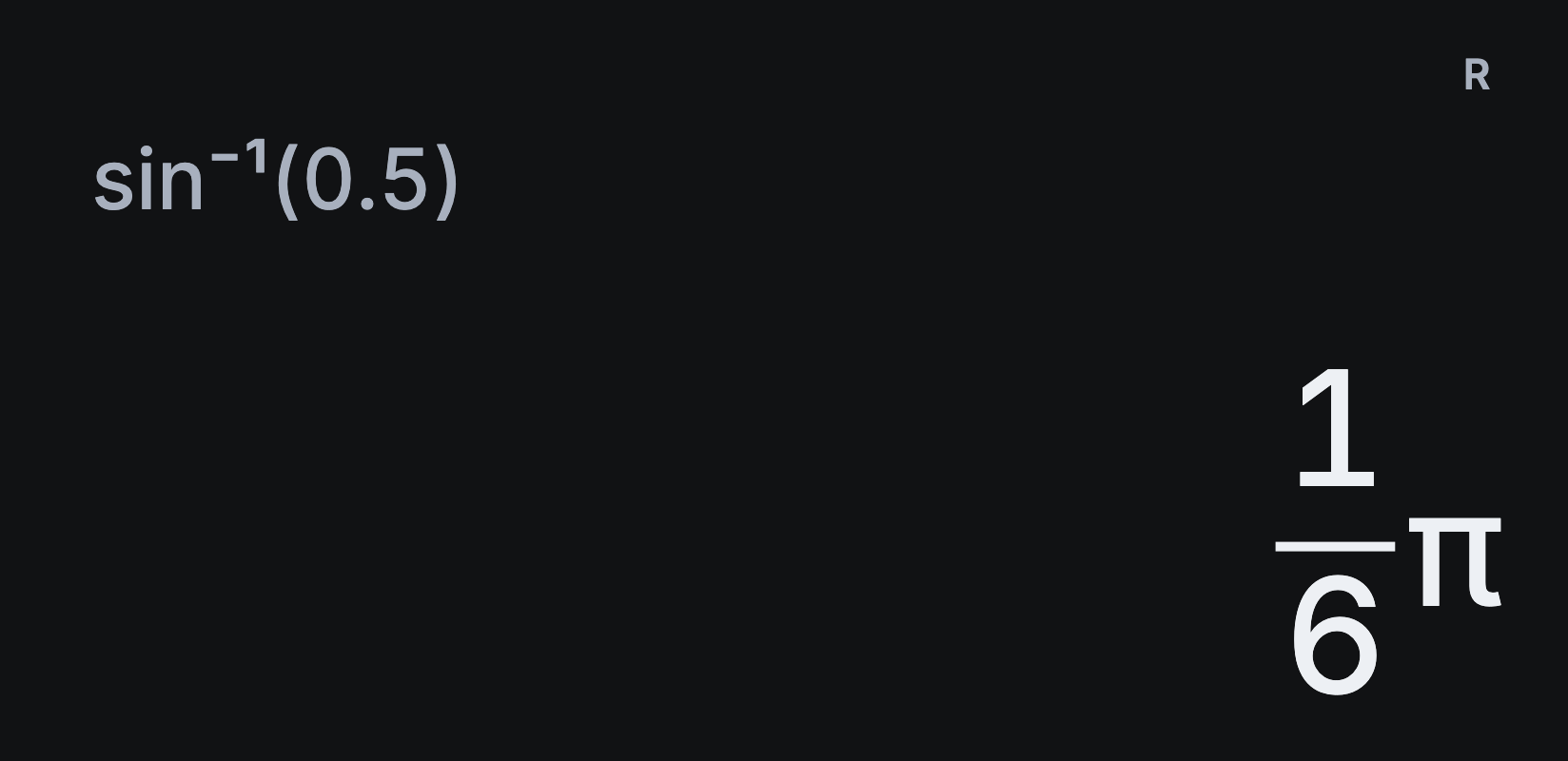 Angle units
How to switch between degrees and radians
 Conversions
How to convert units on a scientific calculator
Good questions.
More help and supportIs Sumi really free?
Yes. Every calculator feature is free, with no ads, subscriptions or account. Optional one-time tips help support development and unlock nothing.
Will it feel familiar?
If you’ve used a scientific calculator at school, university or work, you’ll know the keys, with the ones you use most nearest the digits: π, %, SOLVE and nCr have keys of their own, and ••• holds constants, conversions and the rest. Prefer the traditional layout, with ALPHA and (−)? Choose Classic in Settings → Controls.
Does it work without the internet?
Every calculation works offline. Store purchases and the online guides need a connection.
What doesn’t Sumi do?
Sumi focuses on everyday scientific calculation. It doesn’t include complex numbers, statistics, matrices, vectors, binary and hexadecimal, tables, graphing, or polynomial and simultaneous equation modes.
Can I use Sumi in exams?
Only where phones are allowed. Most school and university exams don’t allow phones, so check your exam’s rules.
Why do some answers stay as fractions?
Sumi keeps answers exact where supported: fractions, surds and multiples of π. After calculating, tap S⇔D to switch to the decimal, and tap it again to switch back. How to switch exact answers to decimals.
Can I get Sumi on iPhone or iPad?
The iPhone and iPad version is coming soon. We’ll add the App Store link here as soon as it’s available.
Does Sumi work with TalkBack?
Yes. Every key has a spoken name, and Sumi reads out each answer and any error as it appears.
Does Sumi collect my data?
Your calculations never reach the developer. Sumi has no ads, analytics or account, and history and settings stay on your device and in any backups you make. Read the privacy policy.
Get Sumi.
Free, with every feature included. No ads, no account, and every calculation works offline.